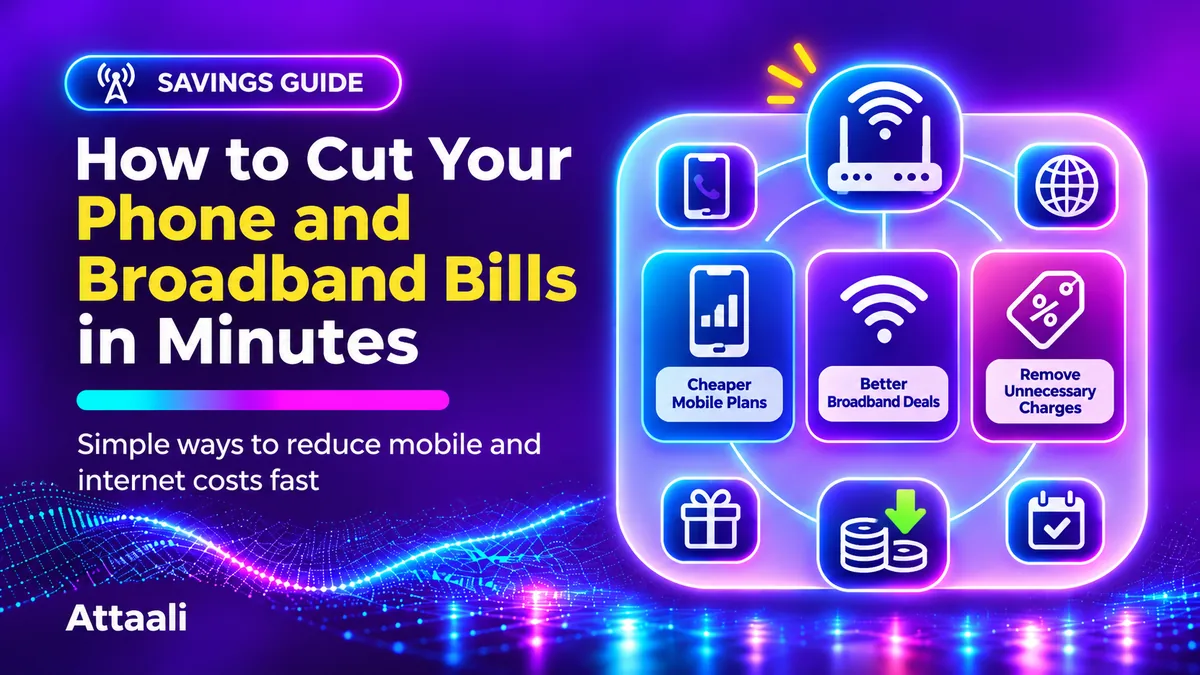
How To Save On Phone And Broadband Bills In Minutes
You’ve opened your banking app and seen you’re paying more for your phone and home internet than you expected. There’s no sudden increase in data use and your family can’t remember upgrading your broadband.
Whilst some may require you to change providers, you can save on your bills by taking a few minutes to review your usage, subscriptions and your package.
To help Cut Your Phone and Broadband Bills while still keeping your connection, follow the steps below. While we’ve used examples from Pakistan, it will apply to lots of countries.
Review Your Bill
Before rushing out to find cheaper deals, review your last couple of bills or open your mobile operator app.
Break your bill into the basic package, taxes, any extra data you’ve purchased, subscriptions, device costs and other charges. If your mobile is a pay-as-you-go service, compare how much you’ve topped up with how much you’ve spent on bundles and anything else.
Ask yourself, what am I not willing to pay for again?
This could be extra call bundles, streaming extras or an upgraded broadband speed nobody is using. This is a brilliant place to start and will help avoid you making any changes blindly.
Monitor Your Mobile Data Usage
It’s easy to get a large bundle of data each month in case you run out. However, you’re paying for something you are not using much.
Check your data usage via your operator’s account or app. Some phones (Android/iPhone) will show you how much data you’re using on your mobile. However, your phone may not be tracking your data in line with your bill.
Review your usage for 2-3 months to get a better picture. If you’re using around 12gb per month but paying for a 40gb package, look at cheaper packages with a bit more breathing space.
Don’t just look at your data usage. Check if the package includes standard internet, app data, call minutes and how long it lasts for.
Review Any Extra Services You Have
Sometimes the biggest shock is that you’re paying for small charges.
In Pakistan there are often extra value added services such as caller tunes, notifications, games etc. The Pakistan Telecommunication Authority has highlighted issues with customers complaining due to services being turned on without proper consent and balance being lost.
Within your operator’s official app, or by contacting their customer service, review any services you have. Cancel any you don’t recognise or don’t need. Keep a copy of your confirmation.
If you feel a service was turned on without your consent, complain to your operator and ask for a reference number. If issues aren’t resolved you can also use the official PTA complaint system.
Never give one-off passwords to anyone claiming they’ll cancel services for you.
Don’t Pay For Last Minute Top-Ups
If you’re having to top up your data mid-month then your cheap package isn’t so cheap.
Find out why you’re having to top up. Is it because your package runs out before your salary comes in? Are you using mobile data because video apps are using it? Or are you getting a ‘unlimited’ package but it has speed restrictions?
Enable data alerts and check your auto-renewal settings. Try to download large files and app updates when connected to your trusted home Wi-Fi.
If you are going over your limit regularly, you may find a slightly larger package is cheaper.
Choose The Right Broadband Speed
Often internet providers will try to sell you the fastest speed. However, if you’re only using the internet for browsing, video calls and streaming a few programmes then you may not need the most expensive package.
Work out how many people/devices are actually using the internet. What are they using it for? Browsing, video calls, high definition streaming, gaming or uploading large files.
If you’re finding your connection is fast enough, ask your provider if you can move to the next cheapest speed. If it’s slow, first check if it’s because your Wi-Fi signal is poor.
You should only consider moving to a cheaper package if it will still allow you to do your daily activities.
Get A Better Deal From Your Existing Provider
This may be an area many overlook when trying to save money on their bills. You often feel the price you see is the final price.
Contact your broadband provider via an official channel. Tell them you’ve reviewed your bill and what you need. Ask if there is a cheaper package, retention deal or loyalty discount.
You could say:
You might say: “I'm happy with the service, but my monthly bill is higher than my budget. Do you have a lower-cost plan or a current offer that suits my usage?”
Be specific. If you’ve found another provider that would work for you, mention what they’re offering (verified price and terms). Don’t imply you’ll cancel unless you are willing to.
While you may not get a discount, it’s a quick and easy way to find out if there are any options you weren’t aware of.
Consider The Total Cost
A new provider may offer you a cheaper price for your first month. However, you may need to pay installation costs or a higher price after your initial period.
Consider how much it will cost you in total. This includes initial setup costs, router hire, taxes, any planned increases, data restrictions and early exit fees from your current package.
For example, a package with a very low promotional price may end up costing more due to high installation costs.
Also consider the quality of service in your area. Ask local customers about any outages and how fast they’re getting. You don’t want to be paying for a cheap internet connection but then have issues when on important calls.
Depending on the country you’re in, UK customers can follow Ofcom’s guidelines on comparing packages, switching providers and qualifying for cheaper social packages.
Consider If Bundling Saves You Money
Sometimes bundling your home internet, mobile and TV together can save you money. However, you may end up paying for things you wouldn’t normally purchase.
Write down how much you’d be paying for each service individually. Compare this to how much you’re paying for your bundled package and if there are any conditions or contract length.
If your family are watching the included channels it may save you money. However, if you never watch live TV it probably won’t.
Also consider if you’ll lose the discount if you move one service. Flexibility can be valuable, especially if you’re renting your home or know your requirements may change.
Make Simple Changes To Minimise Usage
A few changes to your phone settings can help you avoid wasting data. Especially if you’re on an expensive or restricted mobile package.
Enable any data saving features, disable auto-play videos and see which apps are using the most data. Set large backups/downloads to occur on Wi-Fi.
If you’re at home, ensure your router is placed correctly so you’re not using mobile data.
These changes can help you avoid paying for extra data however they won’t help reduce your fixed broadband cost. This will usually require you to change your package or get a discount.
5 Minute Bill Review
If you only have a few minutes, open your mobile account and review your active packages and subscriptions. Note any mysterious charges. Next, check your recent data usage.
Open your broadband bill and note how much you’re paying per month. Note the speed you’re contracted to and any device/add-on charges. Next, contact your provider or compare one alternative that would work for you.
You may not get to switch or negotiate but this is okay. You’ll now know exactly what to challenge first.
Set a reminder shortly before your package renews or promotion ends to help you build a habit. This will help to avoid you ending up paying for a short term deal.
Final Thoughts
Saving on your phone and Broadband Bills isn’t about getting the slowest connection. It’s about ensuring you’re only paying for what you need.
Start by ensuring you’re only paying for what you’re using, cancelling any unnecessary extras, considering the total cost, and asking for a better package. Be wary of mysterious mobile charges and what your contract says. This can turn a tempting deal into an expensive mistake.
By doing a quick review today you could save yourself some money.