How to Write Better ChatGPT Prompts: 7 Simple Tips with Examples
To get better answers from ChatGPT, write a specific prompt: tell it who it should act as, what task to do, what background it needs, what format you want and any limits such as length or tone. A clear prompt almost always gives a more useful answer than a short, vague one.
This guide gives you a simple formula, seven practical tips and copy-paste examples for studying, job applications and writing. The same ideas work with other AI chat tools too.
Why Your Prompt Matters
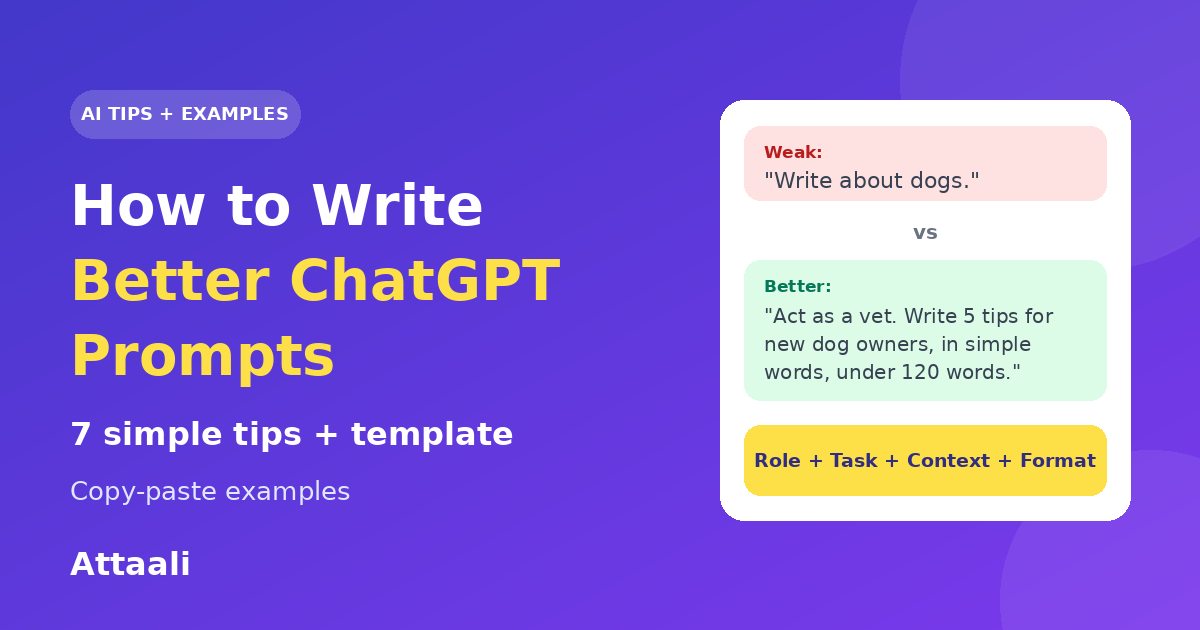
An AI chat tool does not know your goal unless you tell it. If you type "write about dogs", it must guess the length, the audience and the purpose. If you give those details, it has much less to guess, and the result is usually closer to what you wanted. Writing a good prompt is the cheapest way to improve the answers you get.
A Simple Prompt Formula
Role + Task + Context + Format + Limits
- Role: who the AI should act as, such as a teacher or a career coach.
- Task: exactly what you want it to do.
- Context: who it is for and any background it needs.
- Format: bullets, a table, an email, steps or paragraphs.
- Limits: length, tone, reading level or things to avoid.
You do not need all five every time, but the more you include, the better the result usually is.
Weak Prompt vs Better Prompt
| Goal | Weak prompt | Better prompt |
| Study | Explain photosynthesis. | Explain photosynthesis to a Class 9 student in simple words. Use 5 bullet points and one real-life example. |
| Job | Write my resume. | Act as a career coach. Write a 3-line professional summary for a fresh graduate in computer science applying for a junior web developer job. Keep a confident, simple tone. |
| Blog | Write a blog about SEO. | Act as an SEO writer. Create a blog outline on "SEO for beginners" for small business owners, with 6 headings and a short note under each. |
7 Tips to Write Better ChatGPT Prompts
1. Be specific
Say exactly what you want. Instead of "help me with my essay", write "suggest three stronger opening sentences for my essay about climate change".
2. Give context
Tell the AI who the answer is for and why. A summary for a busy manager is different from a summary for a school student.
3. Assign a role
Starting with "Act as a teacher" or "Act as an editor" sets the style and the level of detail.
4. Ask for a format
Request bullets, a table, numbered steps or a short email. If you do not choose a format, you get whatever it picks.
5. Set limits
Add a word count, a reading level or a tone, such as "under 120 words, friendly and professional".
6. Show an example
If you want a certain style, paste a short sample and say "write in a similar style". Examples guide the answer better than long explanations.
7. Improve in steps
Do not expect the perfect answer from the first try. Follow up with "make it shorter", "use simpler words" or "add two examples". You can also break a big job into smaller steps.
A Copy-Paste Prompt Template
Act as [role]. I need [task]. The audience is [who]. Background: [context]. Please write it as [format], in a [tone] tone, and keep it under [length]. Avoid [things to avoid].
Use AI Responsibly
- Check facts. AI tools can make mistakes or state wrong things confidently, so verify important information from reliable sources.
- Protect private data. Do not paste passwords, ID numbers or confidential documents into a chat.
- Be honest in school and work. Follow the rules of your school or employer on AI use, and use the answers as help, not as a replacement for your own thinking.
Common Prompt Mistakes
- Too vague. "Make it better" leaves the AI guessing what better means.
- Too many tasks at once. Ask for one thing at a time for cleaner results.
- No audience. The same topic needs a different style for a child and an expert.
- Accepting the first answer. Refine it with follow-up requests.
Frequently Asked Questions
What is a prompt?
A prompt is the text you type to tell an AI tool what you want. It can be a question, an instruction or a detailed request.
How do I write a good ChatGPT prompt?
Be specific, give context, assign a role, choose a format, set limits and refine the answer with follow-up messages.
Do longer prompts always work better?
Not always. A prompt should be as long as needed to be clear. Useful details help, but unnecessary text does not.
Can I use these prompt tips with other AI tools?
Yes. The same principles work with most AI chat tools, because they all respond better to clear instructions.
Is ChatGPT always correct?
No. It can make mistakes, so always check important facts yourself.
Conclusion
Better prompts lead to better answers. Use the formula of role, task, context, format and limits, refine the result step by step, and always check the facts. With a little practice, you will get useful answers much faster.
Note: ChatGPT is a product of OpenAI. This article is an independent guide and is not affiliated with or endorsed by OpenAI.