Should You Buy A Laptop Screen Extender?
Laptops are great for working, however sometimes you may find that you are limited by the size of the screen. Perhaps you are joining an online meeting whilst looking through documents, working on a spreadsheet whilst reading instructions, or simply using multiple tabs on your browser throughout the day.
A laptop screen extender allows you to get more screen space.
These screen extenders are becoming a really interesting investment for remote workers, students, programmers, designers and those who need to have a versatile working environment.
However, if you are looking to invest in a second screen, it will depend on what you use your laptop for daily, whether your laptop is compatible with the screen extender, your budget and the environment you are working in.
Should you buy a laptop screen extender?
This guide will show you everything you need to know about laptop screen extenders including how they work, the benefits and drawbacks, and what to look out for.
What Is A Laptop Screen Extender?
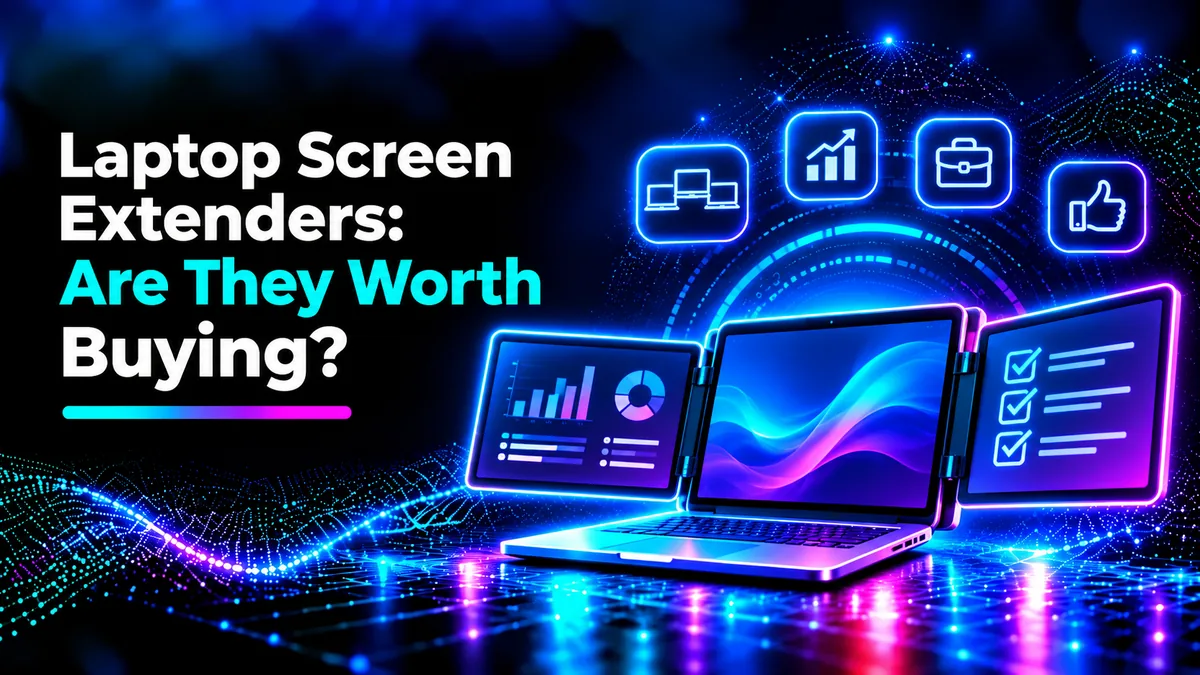
A laptop screen extender is an extra display to give you more screen space.
Many of these screen extenders can be attached directly to your laptop or come with a small stand so they can be moved around easily.
Some contain just an extra screen, whilst others come with two side screens to create a three screen system.
These screens allow you to move application windows around.
This means you can have your video meeting on one screen and have your notes on screen.
This gives you more convenience with working on multiple tasks.
How Do Laptop Screen Extenders Work?
Most screen extenders will have connections via USB-C, HDMI or both.
Some screen extenders will have USB-C connections to give you power and video via one cable (provided you have the technology to support it).
However some screen extenders will need separate connections.
Some come with DisplayLink technology which allows you to transfer display data via USB. This will require software to be installed.
Generally once you have connected it up you will be able to customise your second screen within your OS settings.
You may wish to extend your desktop, mirror your screen or change how multiple screens work.
Before you purchase ensure your laptop has the correct connections and can support the amount of external screens.
Benefits Of Using A Laptop Screen Extender
More Space
The biggest benefit of using a screen extender is getting more space.
You can have multiple windows open meaning you don’t have to switch between applications.
Content writers can look up information on one screen and write their articles on another.
Programmers can have their code, documentation and testing on separate screens.
This can help reduce unnecessary switching and make complex tasks much easier.
Whilst this will depend on your workflow, having more screens will help improve your productivity.
Great For Remote Workers
Many remote workers will be working from various locations such as a home office, shared workspace and temporary locations.
Having a portable screen extender for your laptop can help give you more screen space.
This will be beneficial for professionals who frequently use spreadsheets, presentations, dashboards and communication tools.
Some screen extenders can be attached to your laptop and can fold down to give you a compact setup.
However, you should take into consideration the weight and size.
Help With Online Meetings
Sometimes you can struggle during online meetings if you need to see multiple things such as participants, your presentation and your notes.
By having a second screen you can separate these.
You can leave your meeting open whilst looking through a document or preparing what you want to say next.
This can be helpful for teachers and students during online lessons.
You can organise your information much easier.
Drawbacks Of A Laptop Screen Extender
Extra Weight
Although these are meant to be portable, they will add extra weight to your laptop.
If you have a screen extender that attaches to your laptop lid, this could add extra strain to the hinges.
If it doesn’t fit well or is particularly heavy it could cause issues with how stable it is, especially if you are using it on an uneven surface.
Before you purchase check what size laptops the manufacturer support and how they can be attached.
If you want something light, you may prefer to go for a separate portable monitor.
Extra Battery Usage
Extra screens will need power.
If you are using the screen extender and pulling power from your laptop this can cause your battery to drain faster especially if using it on a high brightness setting.
This can cause issues if you are travelling or working without a power source.
Battery usage will depend on the display, brightness, laptop battery and connection.
If you need to work for long periods without being plugged in, look at using a screen extender with separate power or have the correct charger.
Not Compatible With All Laptops
Not all screen extenders will work with all laptops.
Just because you have a USB-C port doesn’t mean you can pull external video from it.
To get native video via USB-C you may need a DisplayPort Alternate Mode connection or similar.
If you are using a MacBook, check how many external screens your model and processor can support.
Some multi-screen products will need extra drivers or DisplayLink technology.
Checking compatibility before purchase can help avoid any frustrating issues.
Laptop Screen Extender Vs Portable Monitor
A screen extender and portable monitor can do similar things however the design will be different.
Screen extenders generally attach to your laptop and sit next to your laptop screen.
Portable monitors will have their own stand/cover. This means you can position your screen however you like.
Although attached screen extenders can give you a more integrated look, portable monitors will give you more flexibility.
You can have your portable monitor at a comfortable distance without adding weight to your laptop lid.
However, if you have a screen extender attached it may save you space on your desk.
What To Look Out For
Size & Resolution
Ensure you pick a screen that will work with your laptop.
If it is too small you may struggle to read text. If it is too large it can cause issues with portability.
A full HD screen is a good starting point for most everyday tasks.
Check brightness levels, viewing angles and screen quality. If you are working in a bright environment.
Connections
Check what your laptop actually says. Check if it has video support via USB-C, HDMI and if there are any extra drivers needed.
If you are going for a double screen extender, check if your laptop can run the amount of independent screens.
Check if it is compatible with your OS.
Quality
A good screen extender should be stable.
Look for a secure attachment, sturdy hinges, good support stands and that it won’t block any key ports on your laptop.
See what customers are saying to check if there are any common issues with the attachment or screen.
Power
Check if the screen extender pulls power from your laptop or needs an external power source.
Know how many cables you will need to fully set it up.
If it is easy to connect this can make a big difference if you are frequently moving around.
Warranty
Check what the seller offers. This is particularly important if you are ordering imported electronics in Pakistan.
If your screen extender isn’t compatible with your laptop, knowing what the replacement policy is can be a big plus.
Who Should Buy A Laptop Screen Extender?
If you are a programmer, financial analyst, researcher, remote worker or student who regularly has multiple windows open then a screen extender can be a good investment.
It could also help those who are frequently travelling.
However, if you are mostly browsing the internet, watching videos or doing simple everyday tasks then it won’t be as appealing.
If you are playing games or doing colour grading professionally you may want to invest in a proper monitor with the right refresh rate and screen specs.
Think about how often you actually need a second screen.
Should You Buy A Laptop Screen Extender In Pakistan?
If you are looking to buy a screen extender in Pakistan, you should take into consideration how easy it is to get, whether it is genuine, what warranty it has and the overall value.
Although you may be tempted to go for a cheap screen extender, if it isn’t compatible or isn’t very well made you may be disappointed.
Work out how much it will actually cost you compared to a portable monitor or regular desktop screen.
If you are working mostly from home then a regular monitor may give you more value for money and better ergonomics.
If you are frequently travelling between offices, universities and clients then a portable screen extender could work out.
Make sure you go for something with good specs.
Final Verdict
A laptop screen extender can be a good investment if you actually have an issue with needing more screen space.
It can help with multi-tasking, working remotely and give you a versatile working environment.
However there are drawbacks with battery life, portability, compatibility and price.
Before purchasing ensure your laptop can support video, think about weight and whether a portable monitor may be a better option.
If you are frequently multi-tasking and your laptop is compatible then a screen extender can be a good investment. However if you aren’t using it often, it may not be worth the extra cost.
Overall, the best screen for you will be one that makes your work easier without causing any unnecessary issues.