Tech Support Scam Calls and Pop-Ups: What to Do Immediately
Imagine that you were surfing the web or reading an article on the internet when an alarming message appeared in front of you.
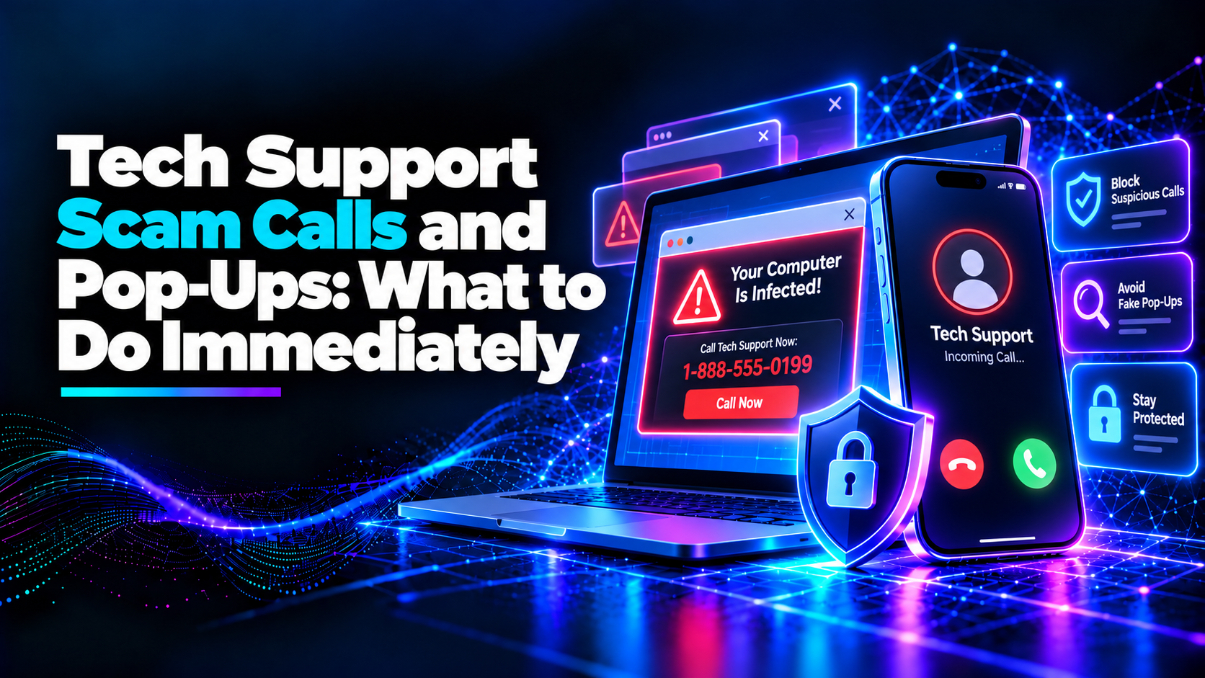
Your computer is infected call Microsoft immediately to avoid the loss of your data.
A loud alarm may sound and the screen may lock, while a phone number may flash on the screen.
Alternatively, your phone may ring, and a loud voice would immediately begin explaining a technical problem with your computer. They may confidently identify themselves as a technical representative.
What would be your next move?
In these scenarios, you may feel alarmed and hurried into a rash decision.
However, that is exactly what these tech support fraudsters want you to do.
Understanding what to do immediately when faced with any of these scams can ensure that you save your money, personal information, and your computer's safety.
What is a Tech Support Scam?
Tech support scams consist of fraudsters pretending to be from an official tech support company or organization.
They may pose as Microsoft representatives or even Apple representatives.
Usually, the main objective is for the scammer to get you to call a phone number they provide or install remote access software on your computer.
They may even try and get you to provide personal information, or pay to remove a virus that they might have planted.
Some of these fraudsters may even threaten you or pressure you to pay more money to them.
Tech support scams usually appear in two primary ways, through unsolicited phone calls or fake pop-up advertisements.
Although these are two different methods, they all have one aim, to trick victims into thinking that they are encountering a computer issue that only the scammer can resolve.
How Do Fake Tech Support Calls Work?
Imagine receiving an unexpected phone call, where the person on the other end of the line pretends to be a Microsoft representative.
They may explain that Microsoft received several security warnings about your computer.
The scammer may even recognize you by name or claim to know other personal details.
Then, they may ask you to open a specific setting or install remote access software for them so they can access your computer and analyze the issue.
Remote access software is useful when you have to interact with another person about a problem with your computer, such as when a legitimate technical support agent has to look at your computer.
However, when random numbers call you and ask you to download remote access software, it can be dangerous because they have the ability to access all of your personal files, passwords, and financial information.
Furthermore, scammers may pretend that they are Microsoft representatives, while displaying fake error messages from your PC, in an attempt to persuade you that your computer has serious issues. This is all a ploy to make you give them remote access to your PC.
As much as it may seem like the scammer has your best interests in mind, never forget that a phone scammer can spoof your name or company.
They may even spoof the phone number that appears on your phone screen, in order to impersonate a real tech support company.
Why Do Fake Virus Pop-Ups Work So Well?
Sometimes, tech support fraudsters do not use phone calls to contact you.
Instead, you may be browsing the web and see a fake warning pop-up stating that your computer has been infected.
Sometimes these pop-ups are accompanied by flashing red screens and automated voices telling you to call a particular phone number.
Sometimes, the pop-up imitates the look of your operating system or has an alert that says your computer has been hacked or that your credit card information has been compromised.
A few pop-ups even take control of your browser screen, where they hide your close tab button or force your screen into full screen mode.
Sometimes, scammers use pop-ups that have a countdown feature or an automated voice threatening to delete your computer files if you do not call a particular number.
The sad truth is that just because a website displays a pop-up warning, it does not mean that it has anything to do with your computer.
Your browser cannot diagnose all of the problems with your computer simply because an advertisement pops-up in your website. Legitimate security programs sometimes detect pop-up scams and warn you, but pop-up websites that demand that you call a particular phone number are a scam.
What Should You Do Immediately When Dealing With a Scam Call?
If any random number calls you and tells you that they are from Microsoft or another tech support company, do not fall for their scam.
Never give out your password, verification code, passwords to your banking accounts, or any other sensitive information.
Never install remote access software just because a stranger asked you to do so.
If scammers pressure you or even threaten you that your computer will be damaged if you do not give them access or money, the best thing to do is to simply hang up on them.
If you are really concerned with the well-being of your computer, contact the tech support company directly through another means, such as calling them through your phone directory or visiting their website.
Never trust a random number that calls you out of the blue, even if they claim that they are a tech support representative, since they could be scamming you.
Furthermore, legitimate tech support companies will not ask for your gift card or cryptocurrency details to delete a virus from your computer, so never fall for this scam.
What Should You Do If You Encounter Fake Pop-Up Window?
A good rule of thumb is not to panic or call the number in any pop-up warning window that appears on your screen.
Additionally, do not click any buttons on the scam pop-up window, even if it says something like "Close this window or cancel this subscription".
Instead, you should attempt to close the tab or quit your browser.
Using your browser's task manager, you can end the task on your browser and close the scam pop-up.
On Windows, you can do this by using the keyboard shortcut Ctrl + Shift + Esc to open the Task Manager, and then end the task on your browser.
On a Mac, you can use the keyboard shortcut Command + Option + Escape to open the Force Quit Applications.
Closing browsers can lead to losing any unsaved progress on websites currently open in your browser.
If the fake pop-up was in full screen mode, you can press the Esc key to exit.
After closing a browser, always be careful when re-opening a browser tab, in case you accidentally re-open the scam pop-up.
If you keep encountering scam pop-ups, make sure to review browser permissions and notifications in your web browser.
You can also run a security scan on your browser with a good virus scanning tool.
What Should You Do If You Have Already Given the Scammer Access To Your Computer?
Sometimes, it takes a while for people to realize that they have been scammed.
In some cases, people realize that they were scammed only when they gave remote access to their computer to a random stranger over the phone.
In such a case, it is best to disconnect your computer from the internet if possible.
Always change your passwords, especially those associated with emails and online banking accounts, and enable two-step verification if possible.
If the scammer somehow got access to your banking details or persuaded you to make a payment, it is best to contact your bank or payment provider to cancel any potential payments or protect your accounts.
In addition, you should look through your computer for remote access software that the scammer might have persuaded you to download.
It is always good to run a security scan on your computer, especially if you suspect that the scammer might have downloaded malware on your computer. This way, you can find any malicious programs and delete them.
In addition, if you suspect that the scammer had greater access to your computer and downloaded malicious software, it is best to consult a trusted professional to scan your computer for any malicious software.
Simply running a virus scan may not be enough if you suspect that the scammer already has access to your computer or downloaded a program that can give them access later.
Why Do Fraudsters Want You To Panic?
One interesting thing about tech support scams is that they all appeal to human psychology.
The most effective strategy that these scam artists use is to panic you.
Many times, people have no idea what most of the messages on their computer screen mean.
Fraudsters use this to their advantage by getting you to believe that terrible things will happen if you do not follow their instructions immediately.
For example, scam artists may threaten to erase your personal photos or videos, empty your bank account, or damage your computer permanently.
Sometimes, these fraudsters will use countdowns on pop-up scam websites so that you feel like you do not have much time to decide what to do. However, legitimate computer security issues do not become more trustworthy simply because someone shows you a clock or makes you feel rushed to deal with them.
The next time you encounter a pop-up scam website or a random phone call claiming that your computer has been hacked, it is best to stop and think.
Verifying whether a computer warning is legitimate or not can save you a lot of trouble.
How Can You Protect Yourself From Future Tech Support Scams?
One of the best things that you can do to protect yourself from future tech support scams is to develop certain habits, such as:
- Keeping your software up-to-date.
- Installing a good security software.
- Avoiding suspicious phone numbers.
- Not giving out verification codes.
- Being wary of remote access software.
- Removing annoying website permissions.
- Talking to your family members and educating them.
Although these protective steps will not protect you from all scams, they definitely reduce the likelihood that you will become a victim of a scam.
Where Can You Report Tech Support Scams?
Reporting scams can be an effective way to ensure that future victims are aware of the scam and can protect themselves.
In the US, tech support scams can be reported to the Federal Trade Commission at ReportFraud.ftc.gov.
In the UK, scams can be reported to the official national fraud and scams reporting service.
If you are a victim of a scam, it is best to notify your bank immediately in case your financial information was compromised.
If the scammer pretended to be a particular tech support company, it is best to notify the company as well and report the scam to them directly.
Always keep track of any incriminating evidence that you find, such as phone numbers that called you, messages that the scammer sent you, or even screenshots of messages or pop-up scam websites.
It is not advisable to go back to any scam websites or attempt to collect more incriminating evidence.
Final Thoughts
Technology is meant to make our lives easier in everyday tasks.
Unfortunately, scammers use convoluted jargon to confuse people into thinking that simple problems relate to a serious computer threat. Sometimes, scammers use pop-up advertisements or unsolicited phone calls.
However, an alarming pop-up does not always mean that your computer is in danger - sometimes, it could be a scam, designed to scare you into calling a random number or giving out personal information.
Understanding what to do when faced with a tech support scam can protect your finances and computer.
Similarly, understanding how these scam artists operate can prevent future scams.