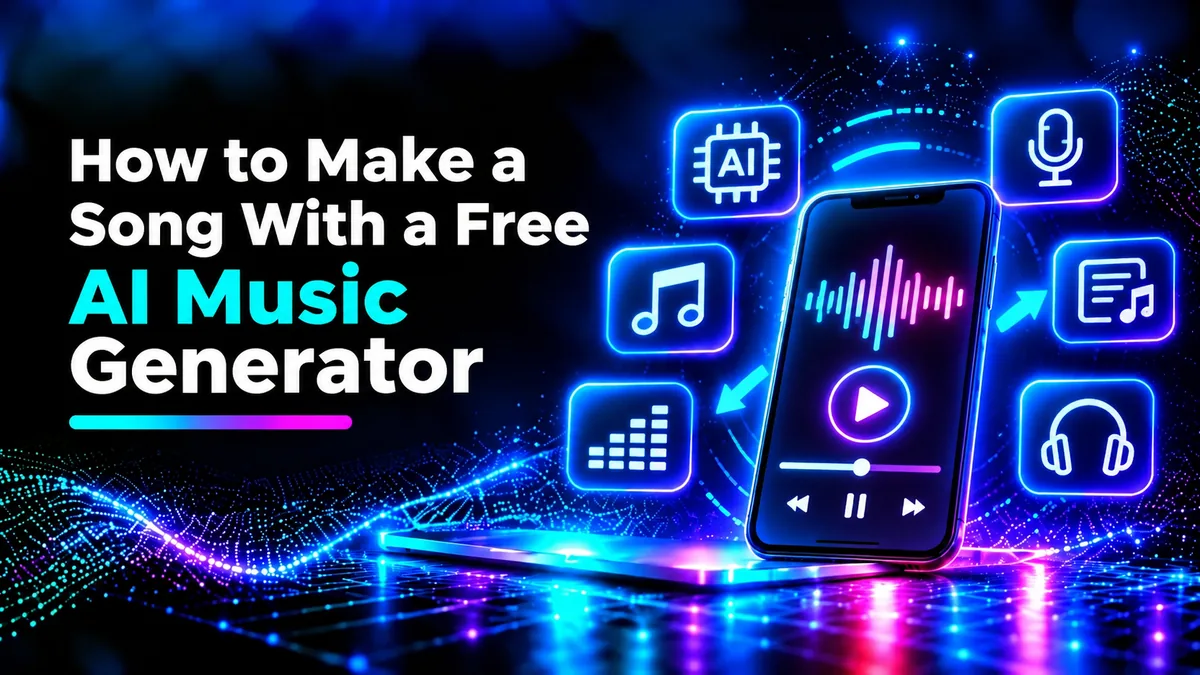
How to Create a Song Using a Free AI Music Generator
Do you ever wish to create your own song but lack the ability to play an instrument, sing or use music software? Thanks to AI, there are now easy ways to create your own songs using beginner friendly tools.
Using a free AI music generator means you can create songs with no recording studio setup.
Whether you are looking for background music for your video, an original birthday song, or something catchy for social media, these tools can create songs for you.
However, there are some things to consider to ensure your song comes out well. Understanding prompts, music types, editing options and licensing are important.
In this guide we will explain how to create AI generated music.
What is an AI Music Generator?
An AI music generator is a tool that can create music using AI.
Depending on the service used, you can give a brief about the music type, lyrics, instruments and desired mood.
The AI will create the music based on your input.
For example, you might ask for an upbeat pop song in acoustic guitar, fast drumming and happy singing.
Some services will create full songs including the vocals whilst others will specialise in music without vocals.
This will depend on what service you are using and what your subscription includes.
Whilst they can be a great starting point for your creative projects, the quality can vary.
Can I Create Songs for Free Using AI?
There are several AI music services that you can use for free, trial or free credits.
However, some services will limit how many songs you can create in a day/ month, how long the song can be or other features like downloading, editing and commercial use.
You may also need to create an account to create your first track.
Currently popular services include Suno and Udio. However, what is available for free will vary.
Check the pricing page of the service you are using to see what is available for free. This will include any limitations on how much you can use and what licensing applies.
A free option can be a great way to get started and experiment. However, if you do want to publish your music professionally you may need extra permission or a paid subscription.
How to Create a Song Using a Free AI Music Generator
Creating a song using AI will usually require you to follow these steps.
Step 1: Choose a Free AI Music Generator
Firstly find a service that fits your needs.
If you need a full song including lyrics and vocals choose a service that offers text to song.
If you just need some background music look for an instrumental music generator.
Look at the music types available, how much music can be created, download options and if you need to create an account.
Some services will allow you to add your own lyrics.
Find a service that is clear on the licensing.
Step 2: Decide What Type of Song You Need
Decide what purpose your song will serve.
Is it going to be a love song, high energy workout song, relaxing instrumental or promotion?
Consider who your audience is and what feeling you want to convey with your music.
For example, if you are creating a travel vlog then some upbeat acoustic music would fit well. Whereas if you are creating a suspenseful short film you may want some atmospheric electronic music.
Also consider if you want vocals.
Having a clear vision will help you create a good prompt and help you assess the results.
Step 3: Create a Detailed Prompt
A prompt will tell the AI what you want your music to sound like.
A good prompt will include the genre, mood, speed, instruments and vocals.
For example,
"Create an uplifting indie pop song with acoustic guitar, soft drums, catch lyrics and upbeat vocals. Medium speed and happy mood."
This gives the AI more guidance.
You can also include what you want the song to sound like at the start, build up to a powerful chorus and finish with a soft instrumental.
Try not to include too many conflicting instructions.
Generally the clearer and compatible your description is the easier it will be for you to create.
Step 4: Add Your Own Lyrics
Some services will create lyrics for you, others will allow you to add your own.
Adding your own lyrics will give you more control over your message.
A simple song structure may include an intro, verse, chorus, second verse and outro.
For example, if you are creating a friendship song you can include some memories in the verses and your main message in the chorus.
Try to keep the lyrics simple to sing. Don’t over complicate.
You can try using Urdu, English or another language that is supported. However, pronunciation and language support will vary depending on the service. Be sure to check the results.
Step 5: Create Your AI Song
Once you have created your prompt and lyrics, select the create option.
The AI will process your instructions and create the audio.
Some services will create multiple variations. You can then see which melody works best.
Listen through the whole song.
Consider the rhythm, clarity of vocals, pronunciation, instruments and structure.
Your first result may not be perfect.
However, this is just a draft and you can improve it using extra prompts or editing options.
Step 6: Improve Your Song
If your song is too slow try asking for a faster speed.
If your vocals sound too strong try asking for softer vocals.
Try different instruments, feelings and structure.
Some services will offer options to lengthen your song, change parts or recreate parts of your song.
These options may be limited on free accounts.
If you cannot directly edit your song try changing your original prompt. This will help you understand what improvements you can make as you can make small changes.
Step 7: Download Your Song
Once you have chosen your favourite version check if you can download the audio.
You may be able to download in MP3, WAV or other formats.
MP3 files are usually a good option as they are easy to listen to and don’t take up too much space.
WAV files can be useful if you want to edit further but are often larger.
If you cannot download your song you may only be able to play it or share it on the site.
Be sure your account has the correct permissions.
Best Free AI Music Generators to Try
There are a variety of AI music services available.
Suno is known for creating songs from text and lyrics. If you enjoy experimenting with full songs this could be the right choice.
Udio is another service to try.
Google MusicFX has offered some experimental text to music options. However, availability, supported regions and features may vary.
These services should not be seen as interchangeable. The free options, features, licensing and availability may change.
Be sure to visit the official sites to see what is available.
Top Tips for Creating Better Songs
The quality of your AI song will often depend on how clear your instructions are.
Pick one clear direction for your song. Don’t mix up too many genres.
Be specific with your mood. For example, nostalgic, upbeat, calm or dramatic.
Include any instruments you want.
If you want vocals in your song keep your lyrics structured. This will help the generator understand your song.
Create multiple variations if possible using your free options.
See which parts work best.
If you can, use an audio editor to cut any unwanted silence or adjust your final structure.
Can I Use Free AI Music on YouTube?
This will depend on the licensing of your generator.
The service may allow you to use the music for personal use. However, they may not allow you to publish commercially, advertise, earn money or redistribute.
Don’t assume you can use the song freely once downloaded.
YouTube have their own copyright and earning rules.
If you are planning on earning money from your videos be sure to check the current conditions of the service. Keep any licensing documents.
Don’t ask for copies of existing songs or identifiable copyrighted songs.
Focus on creating your own song with your lyrics and creative direction.
Common Mistakes
Vague prompts can cause problems.
Expecting your song to sound professional without editing.
Some songs may not sound very professional with unclear pronunciation, repetitive melodies and inconsistent vocals.
Not considering the licensing.
Don’t assume you can use the song without considering the free options. Listen through the whole song.
Save your prompts and favourite versions.
Conclusion
Learning how to create a song with a free AI music generator is an easy way to create music.
By choosing the right service, creating a detailed prompt, adding your own lyrics and improving your results you can create music for your own projects, fun and experimentation.
Whilst free AI music generators can be useful there are some things to consider. Focus on your own ideas. By using thoughtful prompts you can make AI a practical tool to create your songs.