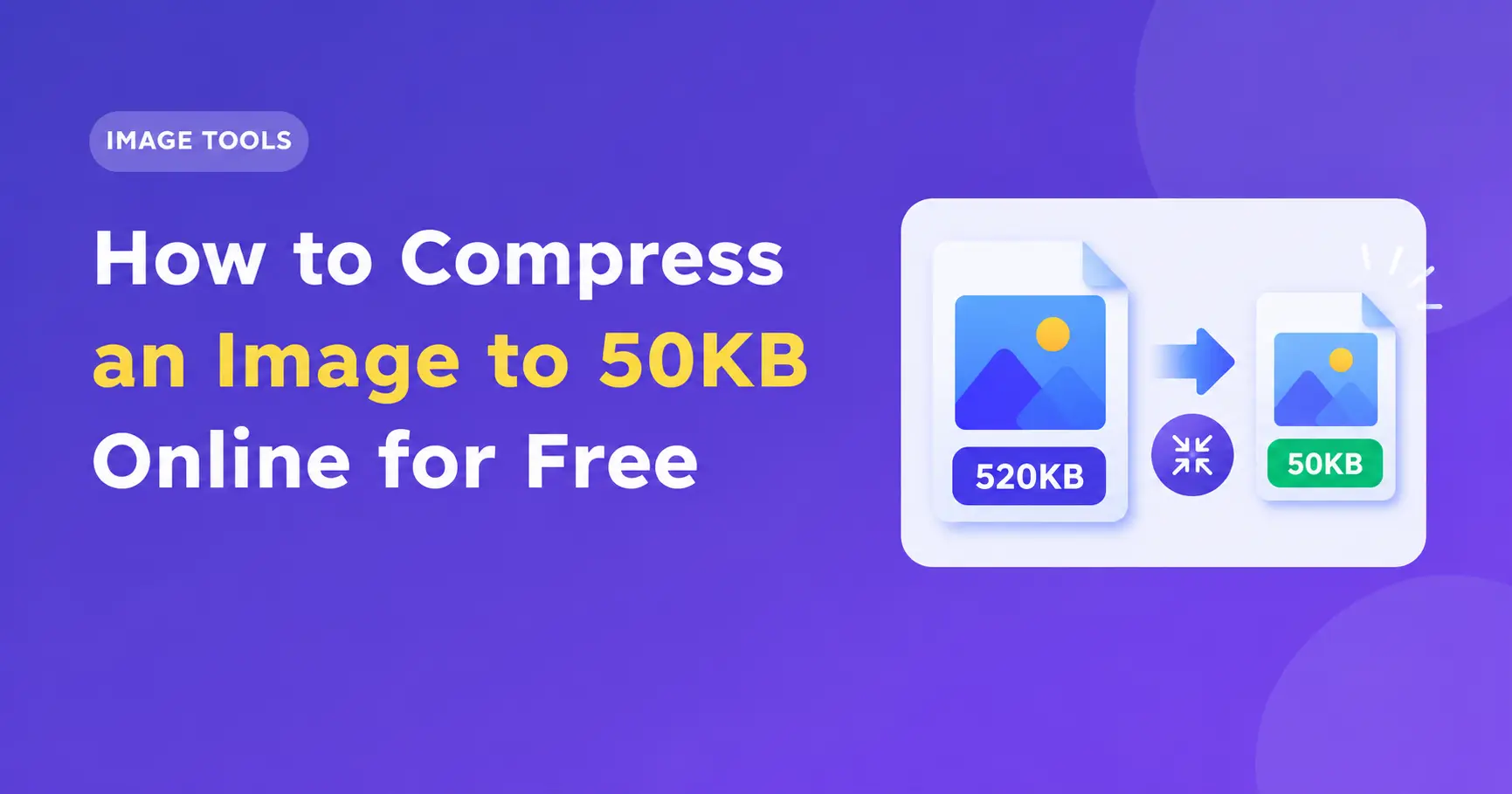
How to Shrink an Image to 50KB Online for Free
You may wish to upload a photo to an online application, website, or form but find the file size is too large. There are many websites and applications that have a strict file size limit, such as 50KB, 100KB or 200KB.
Luckily there are no expensive programs, or advanced skills required. You can easily compress your image to 50KB online for free using an image compression tool.
This guide will show you how to shrink your image down to 50KB whilst ensuring the image remains at a high quality. We will look into what image format to use, and how to avoid common mistakes.
Why do you need to compress an image to 50KB?
Many websites will ask for small image files to ensure you can upload them quicker. Certain applications or sites such as government applications, education admissions, job application forms, and more may require you to upload an image of a certain size.
You may wish to upload your passport size photo, profile picture, scanned document, or ID but it may be too large (500KB or 2MB).
By shrinking your image to 50KB you can:
Meet strict requirements.
Upload your photos on a slow internet connection.
Save space.
Share your images quicker.
Prepare for forms with a required max file size.
Always ensure you check the website to see if they have a maximum file size of 50KB, or if they require a certain file size. Ensure your image meets the required size, and also any dimensions or format requirements.
How to Shrink an Image to 50KB Online for Free
The easiest way to compress your image to 50KB is using an image compression tool online.
Steps to follow:
Step 1: Find an Image Compression Tool Online
Use a reputable image compression tool. Ensure it can handle your image type and allows you to compress your image to a certain size.
If your photo has sensitive personal information such as from your ID or official documents, you may want to use an offline tool.
Step 2: Upload Your Image
Choose your image from your computer or phone. Most online tools will allow you to use common formats such as JPG, JPEG and PNG.
Make sure you know the size of your original image. This will give an idea of how much you may need to compress.
Step 3: Select 50KB as Your Target
If possible select 50KB as your target size.
If not, try adjusting the quality settings. Slowly reduce the quality of your image until your image meets the required size.
If you cannot get your image to 50KB try reducing the size.
Step 4: Download Your Image
Once your image has been shrunk to the required size download it.
Ensure you have checked the actual file, and not just the preview. Ensure the file is not over the required size.
Step 5: Ensure Image Quality and Size
Open up your image to ensure you have not lost any important details. If you are using this for an official application ensure you can still see the face, text, and any other important details.
Ensure the size and format match the website you are uploading to. Even if your image is 50KB it may still be rejected if it does not match the size.
How to Shrink an Image without Losing Quality
When you compress your image you will reduce the file size. However if you compress too much you may lose quality in your photo. The aim is to compress your image so it is the required size but still usable.
Try the following:
Reduce the Size
Large images will have more pixels, so therefore take up more space. If your photo is 4000 x 3000 pixels you can reduce the size to meet the website requirements. This will reduce the file size.
Do not reduce the size too much. If you have specific size requirements follow these.
Choose the Right Format
JPEG is great for photos. You can often get a good quality image with a small file size.
PNG can be used for graphics, screenshots and transparent images. However this can create larger files for photos.
WebP can also be great for compressing. However not all applications will accept this format. Ensure you check what formats they will accept.
Reduce the Quality
If you still have a file over 50KB reduce the quality. Try reducing slowly and view the preview. Try to find a balance between the quality and file size.
Do not compress too much. If you have a compressed JPEG do not compress it too much as you will lose more quality.
Remove Metadata
Sometimes images will have metadata. This can include camera settings, time, or location. By removing the metadata you may be able to reduce the size. However this may not be enough for large photos.
Can I Compress a JPG, JPEG or PNG to 50KB?
Yes, you can often compress your image to 50KB. However it depends on your original image, size and type of compression.
JPG/JPEG
Images in this format are often great for photos. You can reduce the quality and size to get a small file.
PNG
PNG images can be compressed. If you have simple graphic images or large areas of similar colours you can get a smaller file. If you have a photo in this format you may need to reduce the size or convert to a JPEG if possible.
WebP
You can get a good compression from this. However ensure the site will accept this format.
There is no set setting to ensure you can get all images to 50KB with a great quality. Some photos will have more detail and may require a higher compression.
Common Mistakes
Below are some common mistakes.
Not checking the size. Your image may be under 50KB but not meet the website requirements.
Over compressing. Important details may be lost and your image may look blurred.
Using an image format that is not accepted. Some forms will only allow JPG/PNG.
Not checking your file. Your file may still be over the maximum size.
Changing the file extension. Simply changing the name of your image to a JPG will not change the format.
Uploading sensitive images to unknown sites. Unknown sites may put your privacy at risk.
Always ensure you check your final image.
Can I Compress my Image to Exactly 50KB?
You can with some tools. However not all image compressors will allow you to get an exact size. Many will try to get you as close as possible. Other tools will allow you to manually adjust the compression.
If you are uploading to a website with a maximum file size of 50KB try to get your file slightly under. This will ensure it meets their requirements. Try getting your file to 45-49KB.
If your image is too blurry try starting again and finding a good balance between the size and quality.
Conclusion
Shrinking your image to 50KB online for free is an easy way to prepare your photos and graphics for websites, forms and applications. You can usually get the desired outcome by uploading your image into a suitable compressor, selecting the target size, adjusting the size and downloading.
Ensure you have the correct format, size and check the final quality.
With the right approach you can quickly compress your image without losing too much quality. Always ensure you check you have the correct file size and format for your passport photo, profile picture or online application.