JPG vs PNG – What’s best?
You have found a great image but when uploading it to Your Website it takes ages to load. Saving it as a PNG instead takes up even more space.
Have you ever experienced this?
Although this may seem like a small thing to decide on, it can affect how quickly Your Website loads. They take up a larger size, which can create issues, especially if you have a slow internet connection on your mobile.
It will depend on What Is in your image. Let’s take a look at each!
What Is a JPG Image?
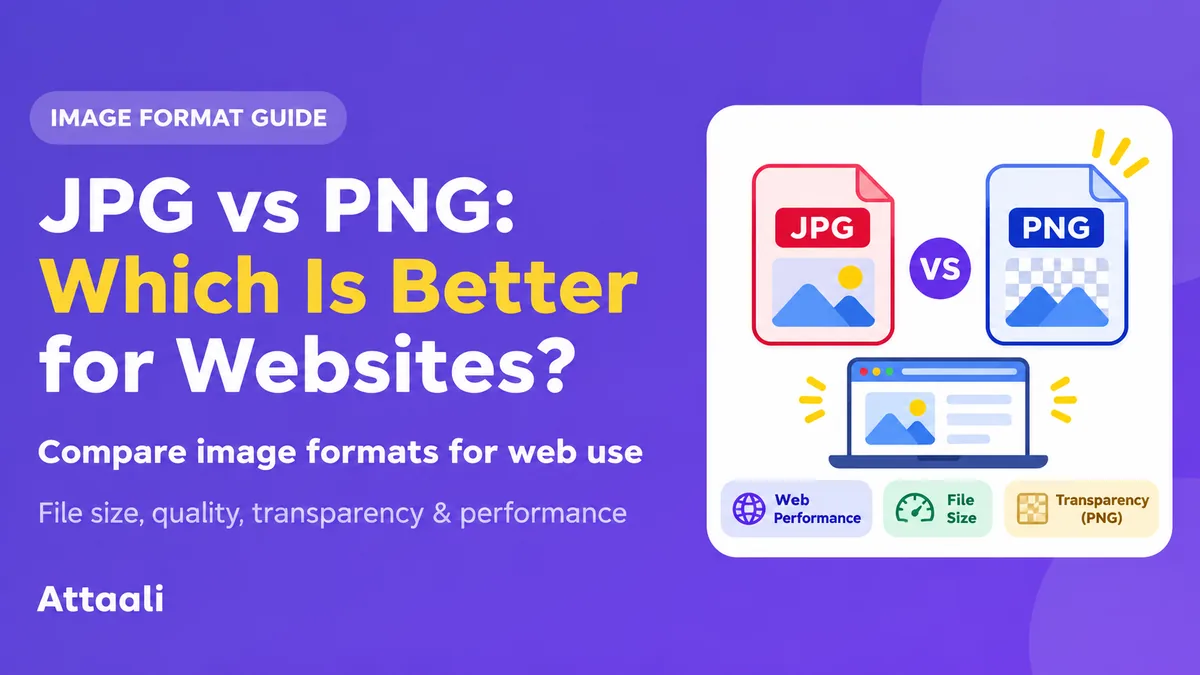
JPG (JPEG) images are good for photos and images with lots of colour and shading.
Because it is lossy you will lose some quality from your image. However if using a high quality setting it won’t be too bad.
These are perfect for banners, holiday photos, product images and thumbnails. Because there is usually lots of detail within these you won’t be affected by losing some.
However, if you have over-compressed your image you will start to see a decrease in quality. These will appear blurry and pixelated. Standard JPGs cannot have transparent backgrounds.
What Is a PNG Image?
PNG (Portable Network Graphics) images are popular for images with sharp edges and transparency.
Because it is lossless, your image will not lose any quality. Great for screenshots, diagrams, UI elements and images with little text.
If you have taken a screenshot of an image with text – for example your settings menu on your phone – you will want it to be clear. PNGs will give you a clear image.
You can have areas of transparency within your image.
However, if your image has a full colour you may find they take up a lot of space. They aren’t always the fastest to load.
Key Differences Between JPG & PNG
You will notice that JPG images are great for photos and PNGs are great for graphics.
If you have created an online clothing store you will have lots of images for your products. If you convert them all to a PNG your category pages will be huge.
However if you compress your image you can have high quality images, whilst saving your bandwidth. Try to export your images from a clean file, the right size for your site and experiment with a couple of quality settings.
Try not to have your product images too small. You want your customers to be able to see all the detail. Finding a balance is key.
Many modern websites will use WebP or AVIF.
What’s best for logos & Transparency?
If you have a curved logo with text and want to place it on both light and dark areas of your site, using a JPG will not allow you to have a transparent background. You will get a blocky image.
If you use a PNG you can have areas of transparency. If you only have a rastor logo this is the way to go.
Logos, icons and simple illustrations often work best in an SVG. This will keep your image clear at different sizes. Make sure to only use an SVG from a trusted source and secure system.
If you are exporting a transparent graphic for social media or decoration try to use a lossless WebP.
Screenshots, Charts & Text
Dashboard screenshots will be very different to landscape photography. They will have lines, text, buttons and clear colours.
Using a JPG may leave your text looking blurry or hazy. Using a PNG will usually keep your text clear. It is important that your text is clear so people can follow your instructions.
This will be the same for charts, UI mock ups & diagrams. If your text isn’t clear on your graph there is no point having it in a few kilobytes.
Try to use real text in your HTML for important information. This will make it easier to find, scale, translate and use with assistive tech.
Will using a JPG or PNG increase my website speed?
No matter what you name your image, large images can cause your web pages to load slowly. If your main image is taking ages to load it can affect your Largest Contentful Paint score (Google).
Try to reduce the size of your large images. If you only need your image to be 800px wide there is no need to have it at 4000px.
Make sure your image is compressed and looks good. If Your Website platform allows you to send the correct sized images for different screen sizes do this.
Lazy load any suitable images. Don’t compromise on your main image. Image optimisation is all about making decisions.
Are WebP & AVIF better?
In 2026 there are other image types to consider.
WebP can be lossy or lossless. They can also be transparent. AVIF can be compressed well and are transparent. Usually they will be a smaller file with similar quality.
They are well supported by modern browsers. However you may run into issues with older software and upload systems.
If Your Website builder automatically creates a WebP/AVIF you may not need to convert them. Just make sure you know What Is going to your users.
Your developers can also provide you with a JPEG/PNG. Don’t push any image types, let Your Website provide the best version.
Does it affect my SEO?
Google cannot guarantee to improve your page ranking if you are using .JPG images instead of .PNG.
However large files can affect how quickly your page loads.
Give your images clear names, add accurate alt text to meaningful images. Make sure your important images are clear. Add sizing if possible.
For example, naming your product image ‘blue-cotton-shirt.JPG’ gives more information than naming it ‘IMG_0048.JPG’. Add descriptive alt text to your image.
Try to optimise your images for your users. Get them loading quickly and working well with relevant information.
What To Use
Here is a quick guide:
- JPG – Use a JPG if choosing between a JPG & PNG. Any images with photographs.
- PNG – Use a PNG if you have any sharp text & edges. Screenshots & diagrams.
- PNG – Use a PNG if you have any Transparent Graphics or an efficient WebP.
- SVG – Use an SVG if you have any vector logos & simple icons.
- WebP/AVIF – If you want to optimise Your Website use a WebP/AVIF. Make sure you have compatible back-ups.
Once you have finished open your image and make sure it looks good at the size it will be. Make sure it is the right file size. Take a few minutes to test your images.
Final Thoughts
Overall there isn’t really a battle between JPG & PNG as they can help with different issues.
Use JPG images for any photographs. Compress them to a reasonable size so your pages remain light. Use PNG images for any transparent images, screenshots & graphics. Consider using WebP & AVIF if Your Website can use new efficient images.
Most importantly consider the size, compression, accessibility & speed of your images. The best image for Your Website will be one that looks good, loads quickly and helps your user understand your page.